
How To: GoogleCal
Before you begin the following steps please make sure you have purchased a subscription plan.
1. Once you have purchased a plan an email will be sent to the address that you provided containing an access link to the Google Calendar (please allow up to 48 hrs after sign up to receive the access link). Open the email and click the link titled "Add this calendar":

2. After adding the calendar to your GoogleCal account, download the mobile app and log in using the same email address:


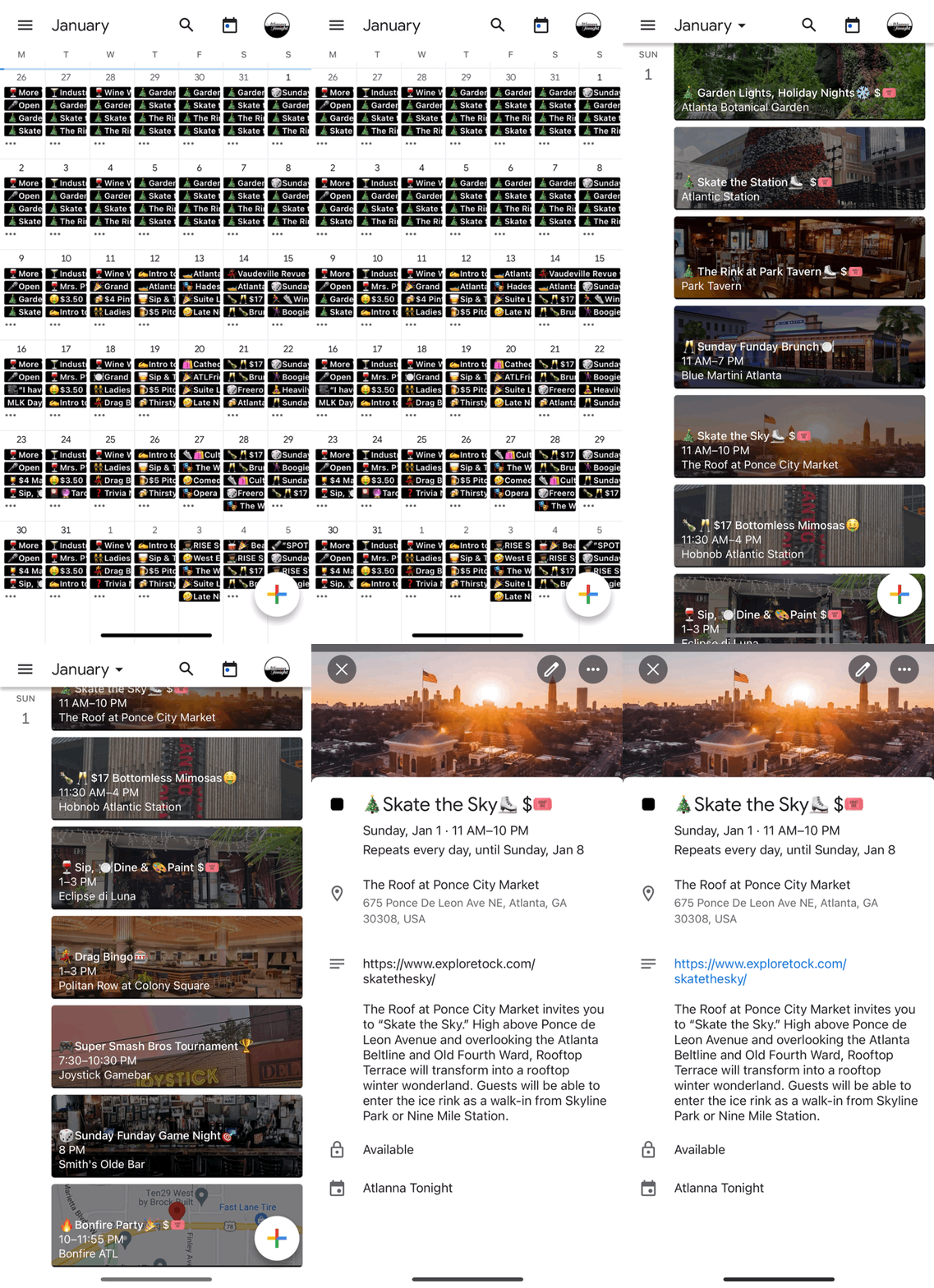
3. Once you have logged into the GoogleCal mobile app, make sure AtlannaTonight is selected in the dropdown menu to display the calendar:


4. Toggle between the "Monthly" or "Schedule" views + check event details for ticket links, discount codes, & any additional event info:
Enjoy!
Contact us for further assistnce.